Products
Permitted former families and sizes.
How it works
The workflow uses information your team already has and returns an output it already knows how to handle.
01 · Define
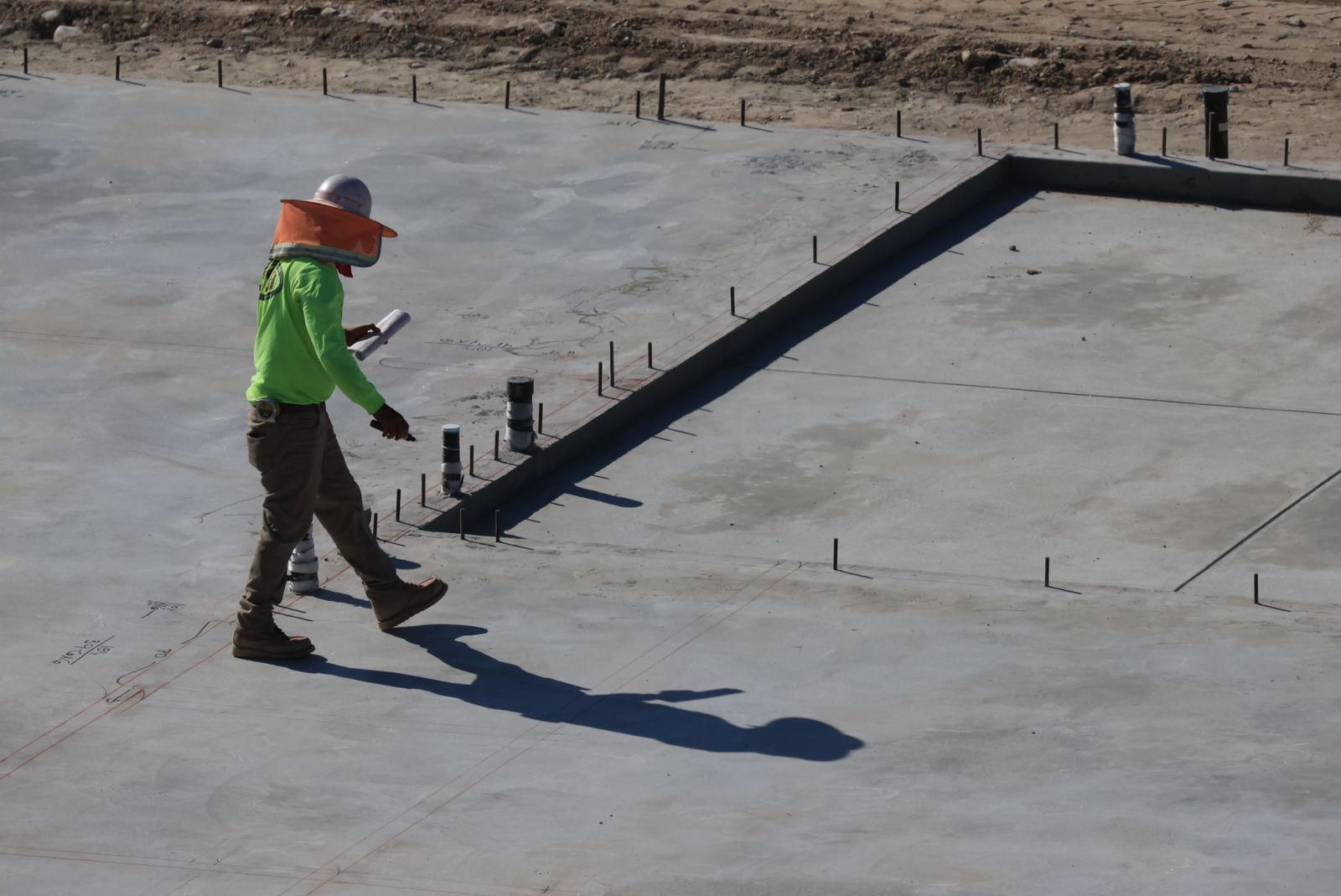
Confirm the boundary, wet areas, setdowns, step changes and any zones that require special treatment.
 Field condition · slab geometry
02 · Configure
Apply former products, heights, clearances, edge offsets and the conventions your reviewers already expect.
Permitted former families and sizes.
Standard, reduced and stepped conditions.
Clearances from edges and exclusions.
Conditions requiring project judgement.
03 · Compute
Voidmap searches the available arrangement rather than repeating local placement decisions one former at a time.
04 · Review & export
Review coverage, product mix, boundary conditions, tags and dimensions. Export the accepted result as DXF.
Start with real work
Bring a representative plan, the products you specify and the rules your reviewers care about. We’ll use the result to show where Voidmap fits—and where it does not.